Facebook has made a lot easier to download whole album at once from facebook. Follow these simple steps:
- go to your profile/timeline
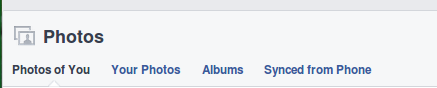
- Click on photos


- click on albums
- choose your album by clicking
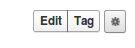
- Click on gear icon at the side of edit|tag
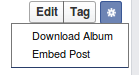
- select Download Album
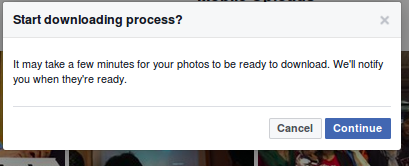
- press continue
- wait until you are notified
- open notification panel

- right-click on the album’s notification and open link in new tab

- click on save/start download
- boom! Wait for completion